
AI Marketing Tools: The Best AI Tools for Content, Ads, SEO, and Analytics in 2026
Put simply, AI marketing tools are software that use artificial intelligence to help you plan, create, and optimize marketing — from writing content and ad copy to analyzing campaign performance. This guide breaks down the best AI marketing tools by category and shows you how to pick the right one for your team.
AI is no longer a novelty in marketing departments — it’s mainstream infrastructure. According to Microsoft’s Work Trend Index, roughly three out of four knowledge workers now use AI at work, and 90% say it helps them save time so they can focus on higher-value work. This site works as an assistant that helps you match a task to the right tool, instead of guessing from a long, generic list.
The picks and pricing below are tool recommendations based on public information, not a guarantee of results for your business — features change and vendors update pricing often, so verify both directly on the vendor’s site before you commit.

What are AI marketing tools?
AI marketing tools are software that uses artificial intelligence — large language models, generative image and video models, and predictive machine learning — to do or assist marketing work. That’s the core difference from traditional marketing software: a spreadsheet or a scheduling calendar only stores and displays what you give it, while an AI tool generates new content, predicts outcomes, and automates decisions on its own.
In practice, AI does five things for marketers. According to Wikipedia’s overview of artificial intelligence marketing, these capabilities span the full marketing funnel, from awareness content to post-purchase retention:
- Generates content and creative — copy, images, and video
- Optimizes ad spend and bidding in real time
- Analyzes performance data and surfaces patterns a human would miss
- Personalizes messaging at scale, down to the individual user
- Automates repetitive work like scheduling and reporting
This is useful across very different roles: solo marketers who need to move faster without a team, small-business owners running marketing themselves, founders validating a product before hiring, and agencies trying to serve more clients without proportionally growing headcount.
Three in four knowledge workers now use AI at work, and 90% say it helps them save time so they can focus on higher-value work.
Microsoft Work Trend Index
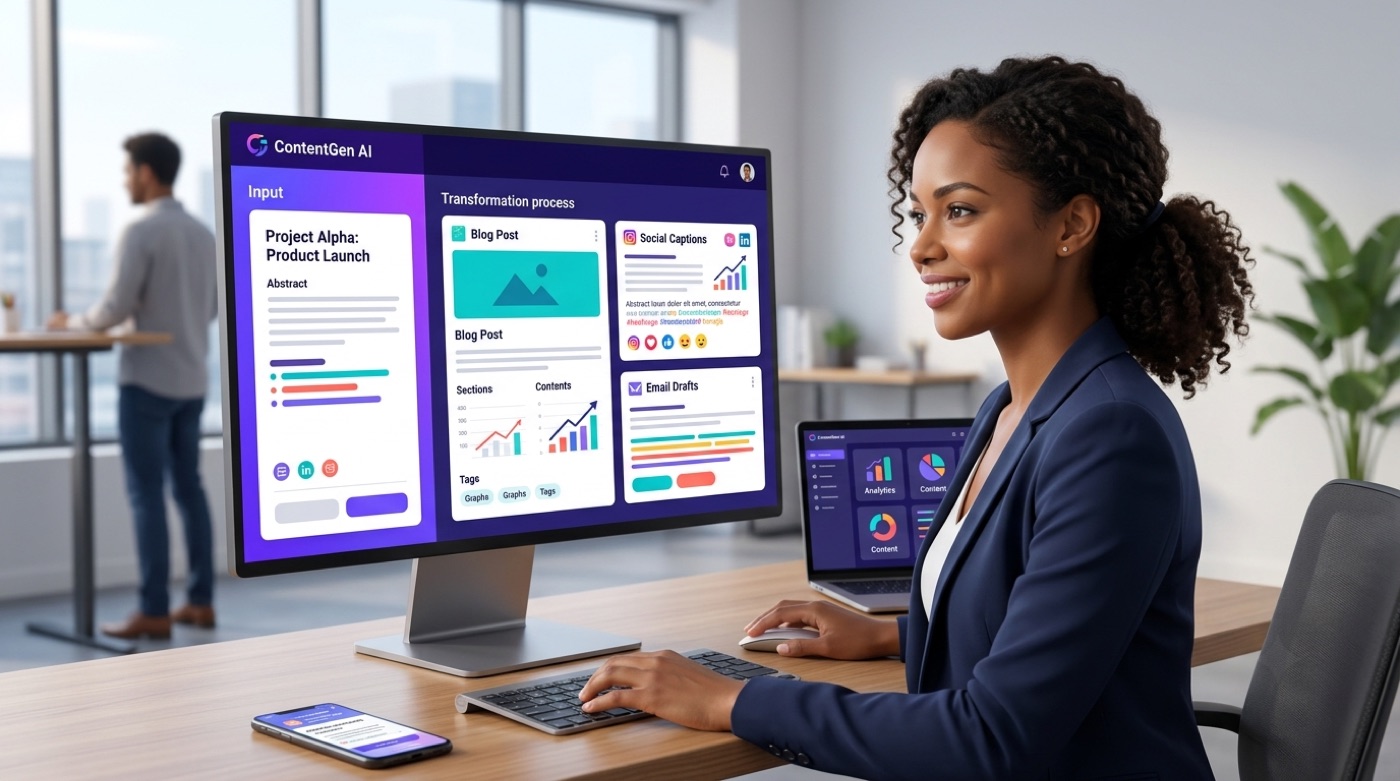
The best AI marketing tools by category
There is no single “best” AI marketing tool — the right pick depends on the task, the channel, and the budget. A tool built for long-form blog writing won’t help you cut a 15-second video ad, and a social scheduler won’t optimize your ad bids. Below is a breakdown by category, with a deeper comparison available on each linked page.
AI content creation tools
These tools write blog posts, landing pages, email copy, and social captions from a brief or a few bullet points. ChatGPT, Jasper AI, Writer, and Notion AI are among the most widely used, each with different strengths in tone control, brand voice, and team collaboration. See the full breakdown of AI marketing tools for content creation for a side-by-side comparison.
AI tools for graphic design and images
Text-to-image generation, ready-made templates, and automated photo retouching now sit inside mainstream design software. Canva, Adobe Firefly and Photoshop’s generative features, PhotoRoom, and Lexica cover everything from social graphics to product photography cleanup. Compare options in AI graphic design and image tools.
AI video creation tools
Video generation and editing tools now handle everything from full AI-generated clips to auto-editing of raw footage into short-form content. Runway, Kling, Descript, Synthesia, and Crayo each specialize in different parts of that workflow. See AI marketing tools for video creation for details.
AI advertising and paid ads tools
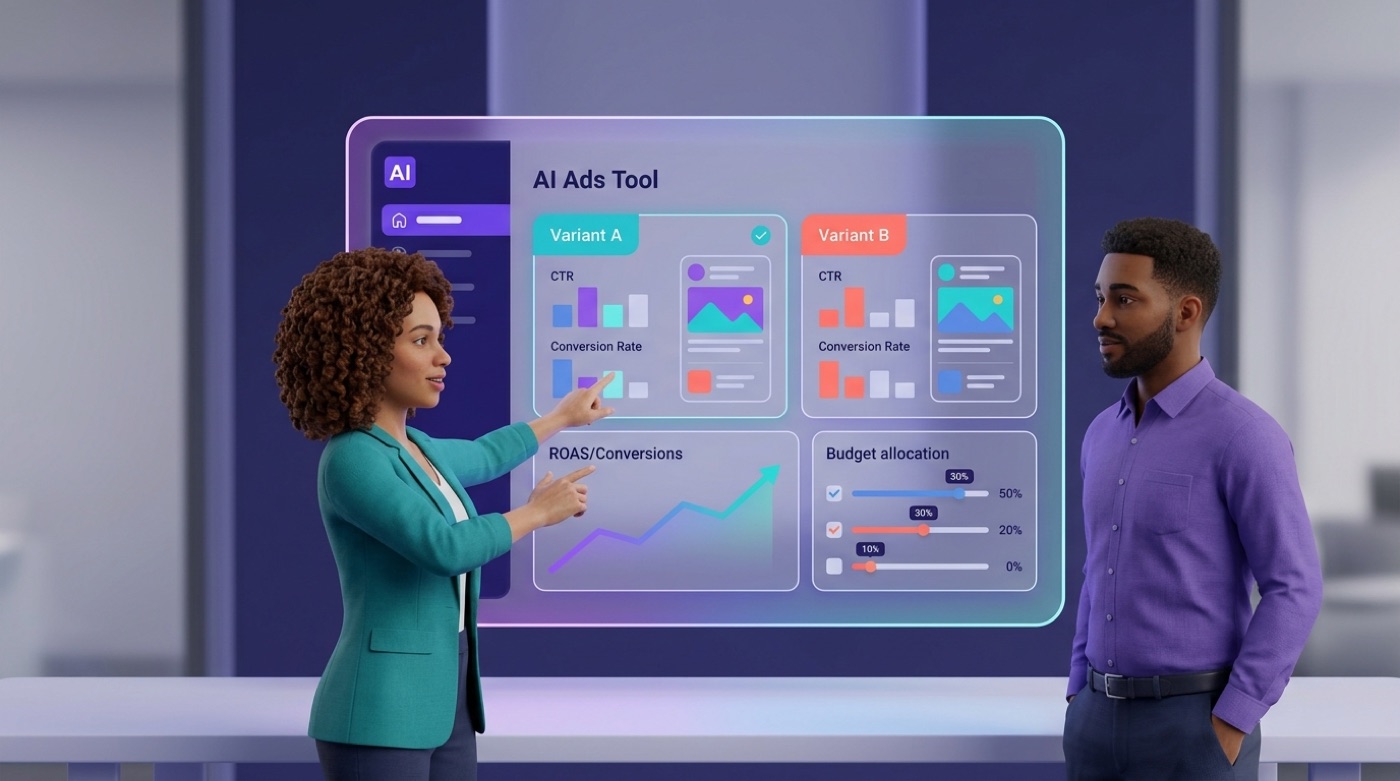
Ad tools use AI for copy generation, creative variations, audience targeting, and bid optimization. Albert.ai, Adzooma, and the built-in AI features inside Meta and Google Ads platforms are common picks. A widely cited case study on Albert.ai’s platform describes a Harley-Davidson dealership seeing a 2,930% increase in qualified sales leads after adopting the tool — a vendor-associated result reported by Harvard Business Review, not an independently audited benchmark, so treat it as a marketing claim to verify against your own use case. Read more in AI advertising and paid ads tools.
AI SEO tools
SEO tools use AI for keyword research, content optimization scoring, and increasingly for tracking visibility inside AI answer engines. Surfer SEO, Semrush, Clearscope, and Similarweb are widely used across agencies and in-house teams. See AI marketing tools for SEO for a full comparison.
AI social media tools
Scheduling, caption generation, and social listening are now largely AI-assisted. Hootsuite, FeedHive, Buffer, Brand24, and Brandwatch cover both the publishing side and the “what are people saying about us” side. Full details in AI social media marketing tools.
AI email marketing tools
Email platforms use AI for copy generation, predictive send-time optimization, and audience segmentation. ActiveCampaign, Klaviyo, and Mailchimp’s AI features are the most common starting points for small and mid-size teams. See AI email marketing tools for a breakdown.
AI analytics and reporting tools
Analytics tools apply AI to attribution modeling, automated dashboards, anomaly detection, and forecasting. Triple Whale, Tableau, Windsor.ai, and GA4’s built-in AI insights are common picks depending on whether you need ecommerce-specific or general marketing reporting. See AI marketing tools for marketing analytics and reporting for the full comparison.
Free AI marketing tools
Plenty of AI marketing tools have usable free tiers and trials worth knowing about. The pattern across vendors: free access caps usage (generations per month, seats, export resolution, or trial length), not core functionality, so a solo marketer or an early-stage startup can often run a full content and social workflow before paying anything:
- Canva Free — a large, no-time-limit library of templates (published at over 1.6 million as of 2026, verify current) and basic AI design features
- ChatGPT Free — covers most brainstorming and drafting needs for a solo marketer
- Hootsuite — a limited free trial period for scheduling and analytics, not an ongoing free tier
- AnswerThePublic — one free keyword-question search per day, useful for light content planning
See the complete list in best free AI marketing tools. For most teams just getting started, the free tier is enough to validate whether a tool fits before upgrading.
Pricing for paid plans varies by vendor and changes often, and always needs verifying directly with the vendor — for example, OpenAI’s own pricing page — before you budget around it. As of 2026, published rates looked roughly like this:
| Tool | Entry paid price (as published, verify current) | Notes |
|---|---|---|
| ChatGPT Plus | ~$20/month | Monthly billing only |
| Canva Pro | ~$120-$144/year | Varies by region and billing cycle |
| Semrush Pro | ~$140/month | Entry tier of several paid plans |
How to choose the right AI marketing tool
Picking a tool is easier when you work backward from a specific problem rather than browsing a long list of options. A few criteria consistently separate a good fit from a wasted subscription:
| Criterion | What to check |
|---|---|
| Task fit | Does it solve one specific job (e.g., ad copy) rather than promising to do everything? |
| Integrations | Does it connect to your CRM, GA4, or ad platforms without manual exports? |
| Free vs. paid limits | What exactly is capped — generations, seats, resolution, history? |
| Output quality | Does it need heavy editing, or is the first draft usable? |
| Brand control | Can you lock in tone, style, and brand assets? |
| Data and privacy | Where is your data stored, and is it used to train the vendor’s models? |
| Learning curve | Can a non-technical team member use it within a day? |
Here’s a short checklist to run through before subscribing to any AI marketing tool:
- Write down the single task you need solved this month.
- Shortlist 2-3 tools built specifically for that task, not general-purpose suites.
- Test the free tier or trial with real content, not demo data.
- Check that it integrates with the platforms you already use.
- Confirm the pricing tier that fits your actual usage volume, not the entry-level teaser price.
- Set a review date 30 days out to decide whether to keep, upgrade, or cancel.
This site is built as an assistant for exactly this decision: instead of reading ten roundup articles, you describe the task and get pointed to the category and tools that actually match it.

Can AI replace marketers? Limits and risks
AI speeds up drafts, data analysis, and routine execution, but strategy, brand judgment, and creative direction still need a human. The tools above are accelerators, not replacements — they compress the time between “I have an idea” and “I have a usable first draft.”
That speed comes with real risks:
- Hallucinated facts. Generative tools can invent statistics, quotes, and product details, so any AI-written copy involving numbers or claims needs a human fact-check before it ships.
- Generic output. Content defaults to flat, generic phrasing unless you invest in prompting and brand guidelines.
- Privacy exposure. Feeding customer data into third-party AI tools raises real questions about where that data goes and how it’s used — questions that need an actual answer, not an assumption.
- Stale pricing and features. AI-generated pricing or feature comparisons age quickly, since vendors change plans often; treat any tool’s stated pricing as a starting point to verify, not a locked-in fact.
The practical rule: use AI as a force-multiplier for volume and speed, and keep a human in the loop for anything that touches strategy, legal claims, or brand reputation.

How to get started with AI marketing tools
Getting started doesn’t require picking a full stack on day one. A narrow, iterative approach works better than trying every tool in every category at once.
- Choose one goal — more blog output, faster ad creative, better email open rates, or cleaner reporting.
- Pick one tool built for that specific goal, using the category breakdowns above.
- Set it up and write a clear, specific brief or prompt — vague inputs produce generic output.
- Review and edit everything the tool produces before it goes live; treat AI output as a draft, not a final asset.
- Measure the result against your baseline and iterate — adjust the prompt, the tool, or the workflow based on what actually moved the number.
If you’d rather skip the research step, the chat assistant on this site can walk through your specific goal and point you to the right category and tools directly.
Frequently Asked Questions
- What are AI marketing tools?
AI marketing tools are software that uses artificial intelligence to help with marketing tasks across content creation, advertising, SEO, analytics, social media, and email.
- What is the best AI marketing tool?
There isn’t one single best tool — it depends on the task, channel, and budget. A tool built for content generation is different from one built for ad bid optimization or analytics.
- Are there free AI marketing tools?
Yes — many tools have usable free tiers, including Canva, ChatGPT, a Hootsuite trial, and AnswerThePublic. A free tier is often enough to get started before upgrading.
- Can AI replace marketers?
No — AI automates routine work and drafts, but strategy, brand judgment, and creative direction still require a human.
- Do AI marketing tools work for small businesses?
Yes — small businesses often benefit the most, since affordable and free tiers let a small team produce work that used to require an agency.
- How do I start using AI in marketing?
Start with one specific goal, pick a tool built for that task, write a clear brief, review the output before publishing, and measure the result before adding more tools.